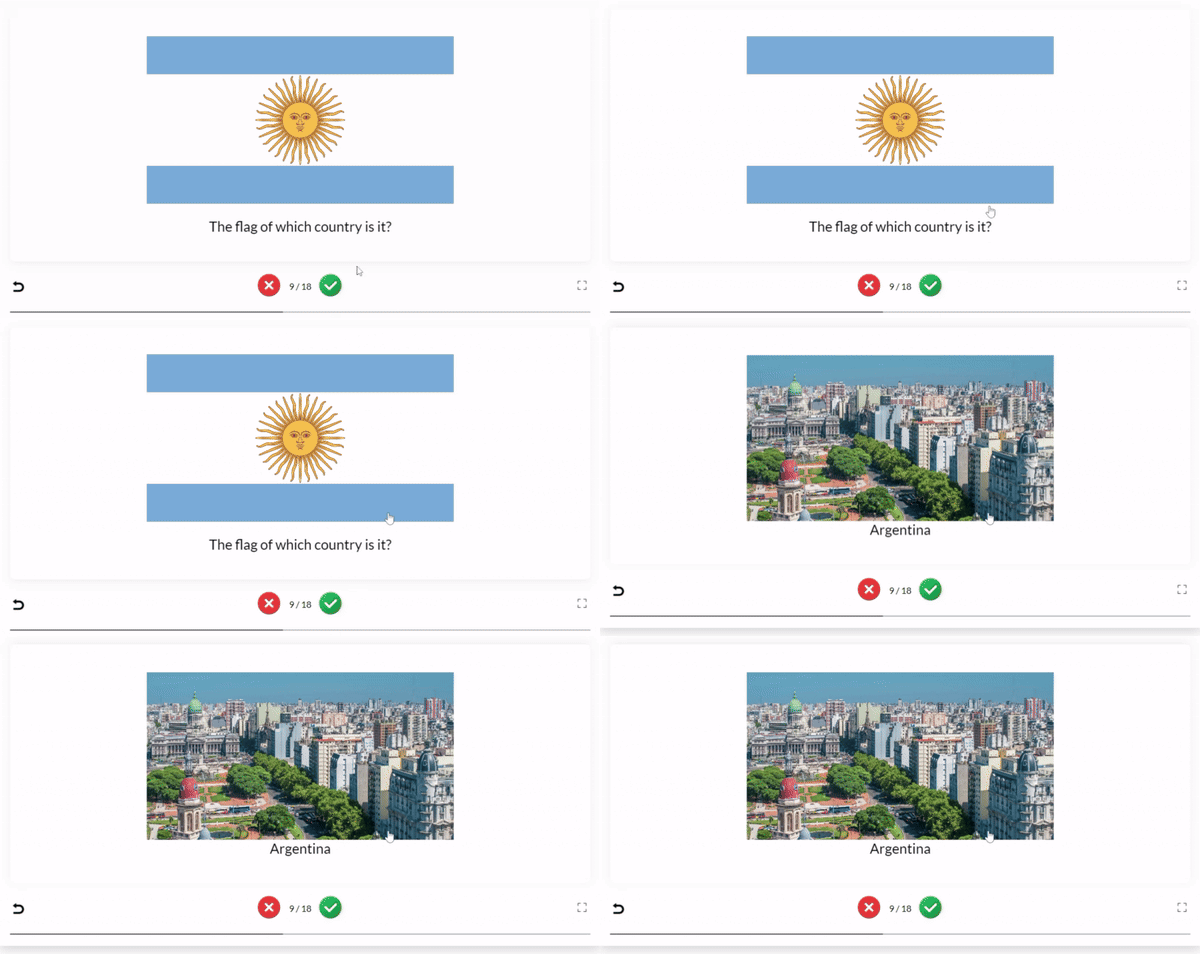
The Advanced Flashcards Addon lets you turn your existing quiz questions into interactive flashcards, providing a simple and effective way to review information. Instead of taking a traditional quiz, users can study each question at their own pace and reveal the correct answer with a single click.
Why Use the Advanced Flashcards Addon?
The Advanced Flashcards Addon provides a more flexible way to learn and review quiz content. It helps users focus on the questions they find most challenging while making the learning process more engaging.
It is ideal for:
- Online learning platforms.
- Schools and universities.
- Employee training programs.
- Certification preparation.
- Self-paced study sessions.
- Knowledge revision and practice.
How to Use the Advanced Flashcards Addon
Step 1: Install the Required Plugins
Install and activate the Pro version of the Quiz Maker plugin along with the Advanced Flashcards Addon.
Step 2: Choose a Flashcard Source
Decide how you want to generate your flashcards.
You can display questions by:
- Quiz – include all questions from one or more quizzes.
- Category – display questions assigned to one or more categories.
Step 3: Select the IDs
Enter the ID of the quiz or category you want to use.
If you want to include multiple quizzes or categories, simply separate the IDs with commas.
For example:
[ ays_quiz_advanced_flashcards by=”quiz/category” id=”ID(s)”]
[ ays_quiz_advanced_flashcards by=”quiz” id=”13,21,32″]
Step 4: Copy the Shortcode
After configuring the settings, copy the generated shortcode.
Step 5: Add the Flashcards to Your Website
Paste the shortcode into any WordPress page or post where you want the flashcards to appear.
This addon works only with the Business/Developer and Agency packages of the Quiz Maker plugin and needs to be purchased separately.
