Connect Quiz Maker with Uncanny Automator and build powerful automated workflows for your WordPress website.
Trigger actions when users complete quizzes, pass or fail assessments, or achieve specific results. Save time by letting your website handle repetitive tasks automatically.
Instead of manually sending emails, updating spreadsheets, enrolling users, or notifying your team, let automation take care of it for you.
Why Use the Uncanny Automator Integration?
Turn every quiz into the starting point of an automated workflow.
With this integration you can:
- Automate repetitive tasks
- Connect Quiz Maker with hundreds of WordPress plugins
- Sync your quizzes with external applications
- Reduce manual work
- Build advanced no-code workflows
- Create personalized user experiences
How It Works
Connect Quiz Maker with Uncanny Automator in a few simple steps
Step 1: Install and Activate the Addon
First, install and enable the Quiz Maker – Uncanny Automator integration addon. Make sure that both Quiz Maker and Uncanny Automator are active on your WordPress website.
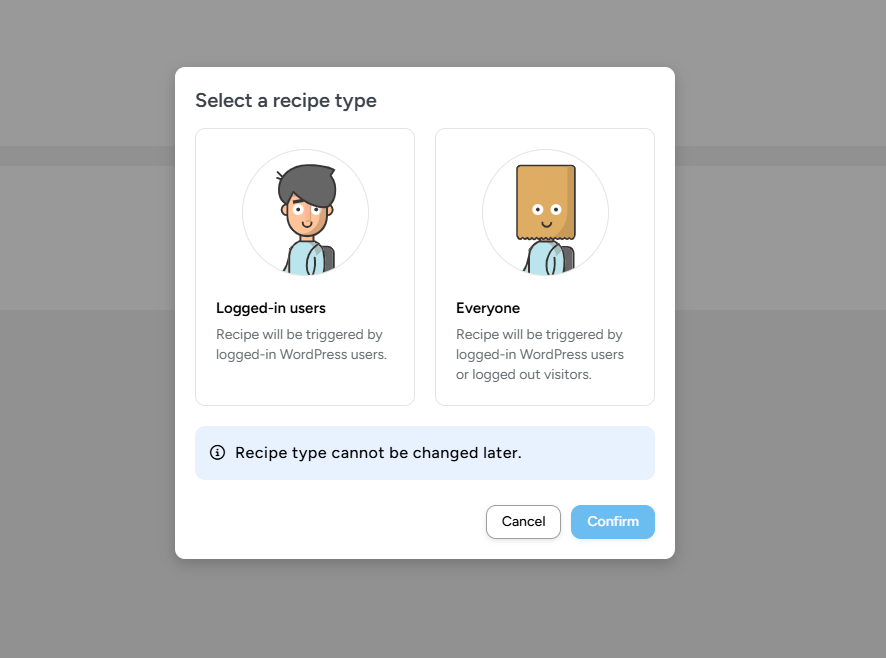
In the Uncanny Automator settings, select the “Everyone” option to allow the integration to work properly for all users.
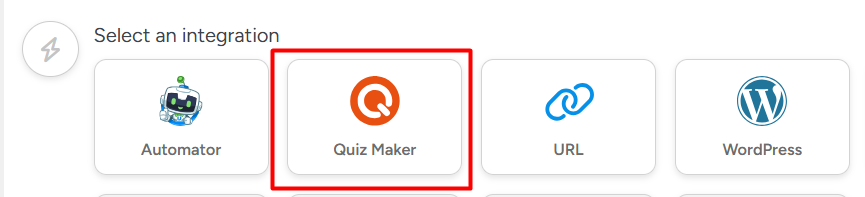
After that, choose Quiz Maker as an available integration inside Uncanny Automator.
Step 2: Create an Automation Recipe
Go to Uncanny Automator and create a new automation recipe.
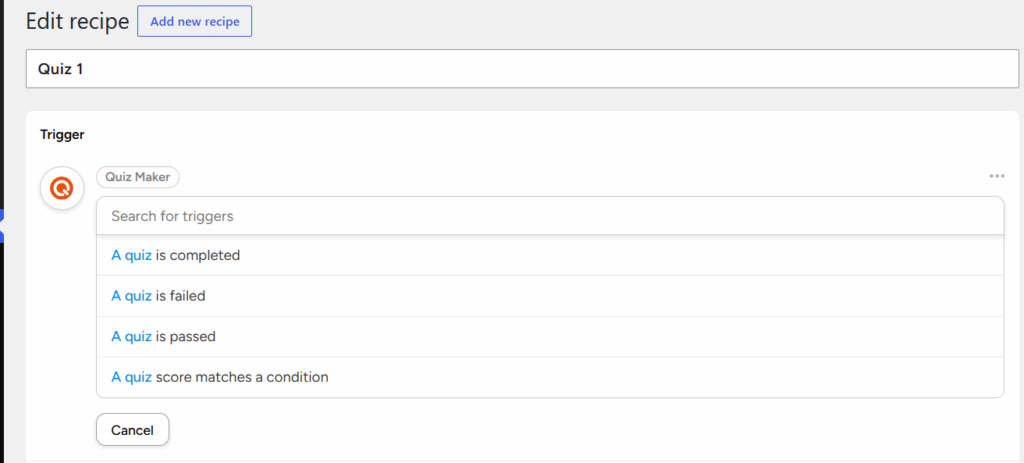
Select Quiz Maker as the trigger source, then choose the specific quiz event that will start your automation process (for example: quiz completed, passed, or failed).
This is where you define what event will activate your workflow.
Step 3: Set the Trigger Condition
Choose the exact condition that must be met for the automation to run.
For example, a user reaching a certain score or completing a specific quiz.
Step 4: Configure Actions
After selecting your trigger, define what should happen automatically.
Depending on your connected plugins and services, you can:
- Send personalized emails
- Create WordPress posts or pages
- Enroll users into courses
- Add users to membership levels
- Register users for events
- Update user profiles
- Add contacts to marketing tools
- Notify administrators
Step 5: Use Dynamic Quiz Data
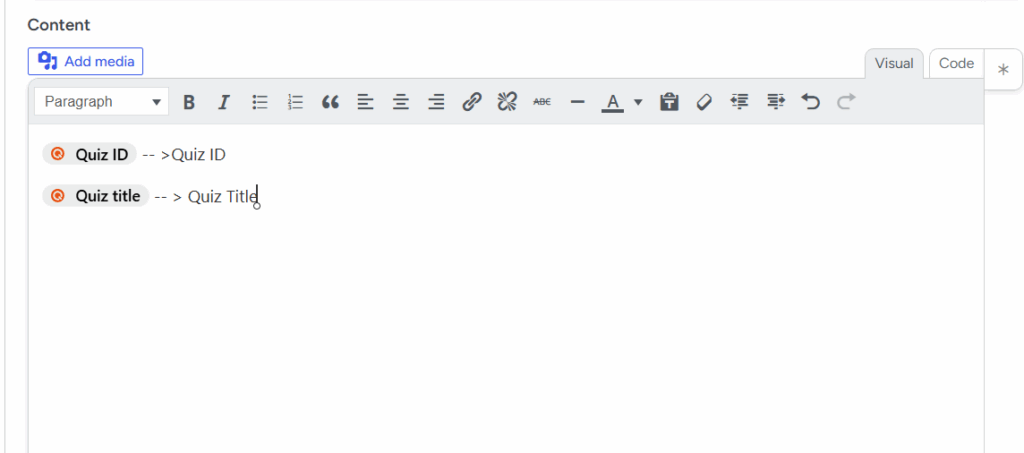
The integration supports Quiz Maker tokens that allow you to use real quiz data inside your automations.
You can dynamically insert:
- Quiz title
- Quiz ID
- User name and email
- Quiz score
- Score percentage
- Completion date and time
- And other available quiz details
Who Can Benefit?
This addon is ideal for:
- Online educators
- Training organizations
- Membership websites
- Marketing teams
- Agencies
- Businesses that rely on workflow automation
