The Klaviyo Integration Addon allows you to connect your WordPress quizzes with Klaviyo and automatically collect email addresses from quiz participants.
By integrating Quiz Maker with Klaviyo, you can build targeted email lists, organize subscribers, and use collected quiz data for more effective email marketing campaigns.
This addon is a great solution for businesses that use quizzes for lead generation, customer engagement, product recommendations, surveys, or interactive content.
Why Use the Klaviyo Integration Addon?
The Klaviyo Integration Addon helps you turn quizzes into powerful lead-generation tools. By collecting participant information and sending it directly to Klaviyo, you can create better-targeted marketing campaigns and maintain stronger connections with your audience.
It is ideal for:
- Lead generation quizzes.
- Product recommendation quizzes.
- Customer surveys.
- Online courses.
- Marketing campaigns.
- Audience segmentation.
How to Use the Klaviyo Integration Addon
Step 1: Install the Required Plugins
Install and activate the Pro version of the Quiz Maker by AYS plugin on your WordPress website.
Then install and activate the Klaviyo Integration Addon.
Step 2: Connect Your Klaviyo Account
Go to: Quiz Maker → General Settings → Integrations
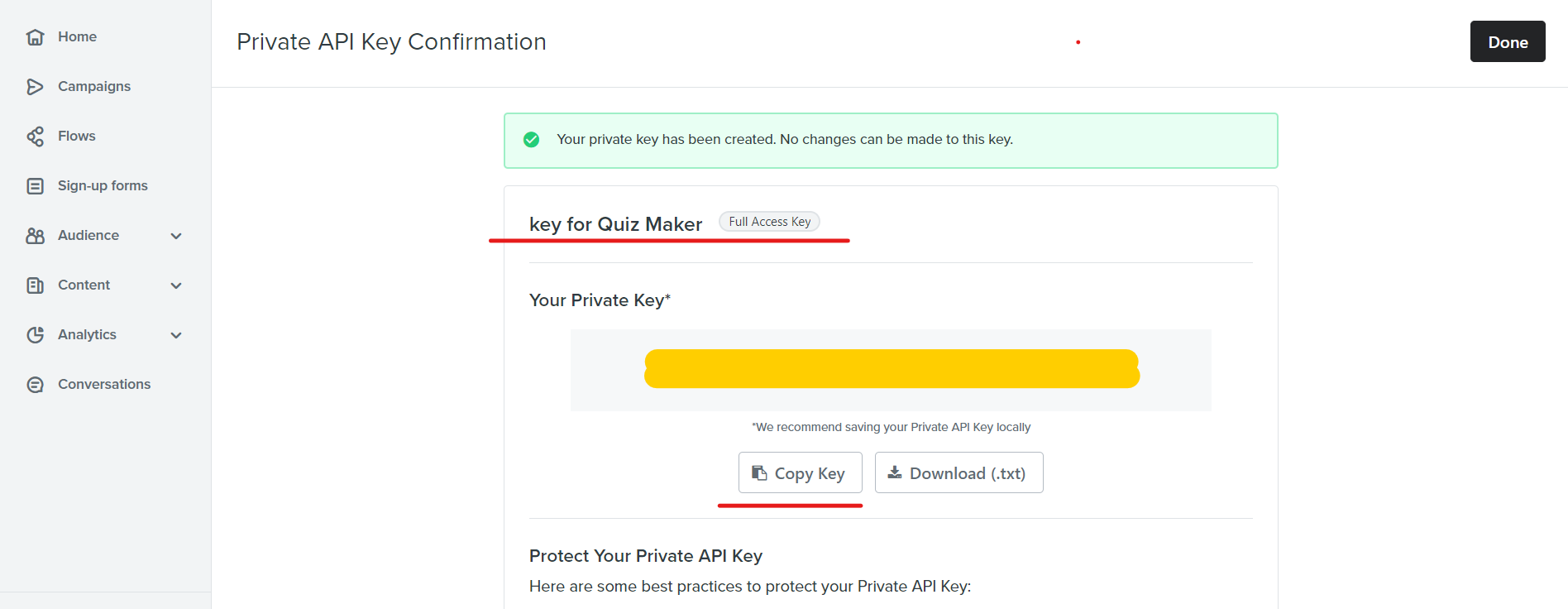
Find the Klaviyo section and enter your Klaviyo API key.
After adding the API key, save the settings to connect your account with Quiz Maker.
Step 3: Enable Klaviyo for Your Quiz
Open the quiz you want to connect and go to: Quizzes → Select Quiz → Integrations → Klaviyo
Enable the Klaviyo integration option and choose the email list where you want to send collected contacts.
Save the changes to complete the setup.
Step 4: Collect User Emails
Make sure the Information Form option is enabled for your quiz so users can provide their email addresses.
Once users complete the quiz, their information will be automatically sent to your selected Klaviyo list.
Klav
